
Planning tutorials
Step-by-step video walkthroughs for building, adjusting, and following your training plan in Beoflow.
-
 Lesson 1
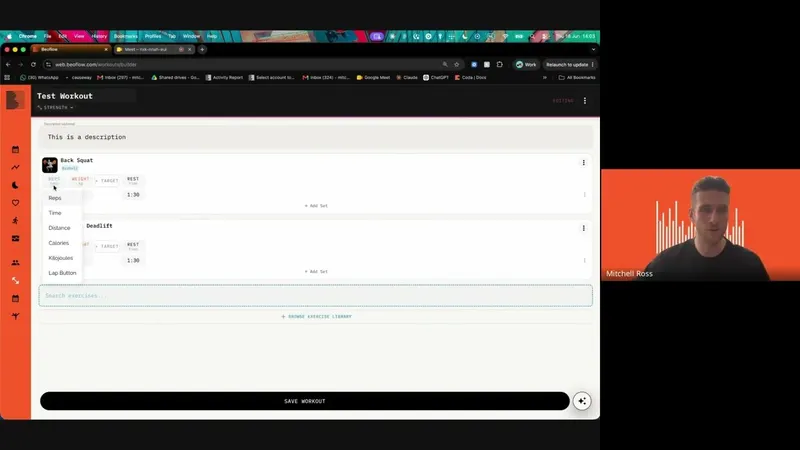
How to build workouts
Key takeaways
- Add exercises with sets, reps, and intensity directly inside a workout
- Group exercises as supersets and set rounds for circuit-style training
- Save any workout as a reusable template you can apply across days, athletes, and programs
-
 Lesson 2
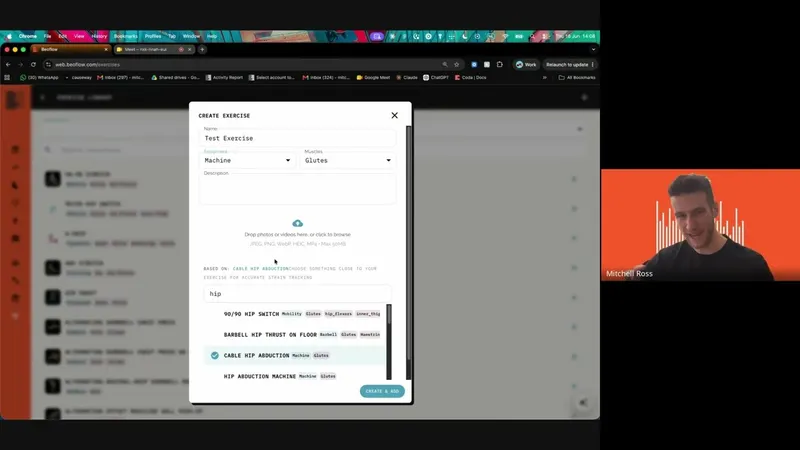
How to build custom exercises
Key takeaways
- Create custom exercises in context while you're building a workout
- Add coaching cues and upload your own video, image, or a YouTube link as demo media
- Custom exercises stay private to you and the athletes you share them with. Edit or delete anytime
-
 Lesson 3
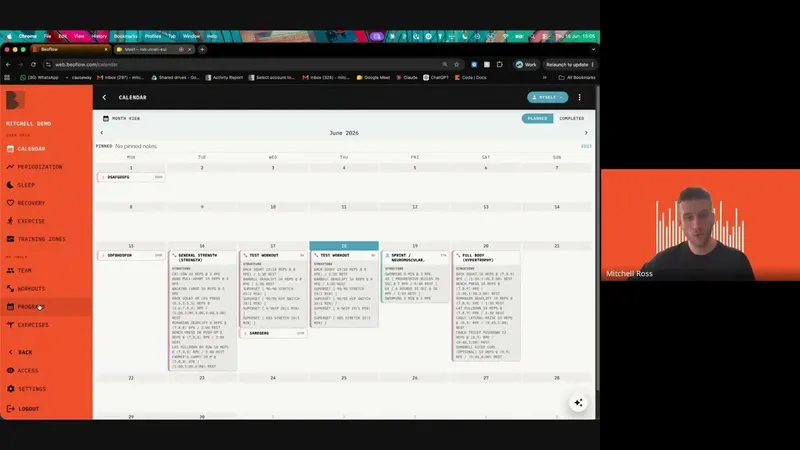
How to build a week of training
Key takeaways
- Pull workouts from your template library or build new ones directly on the day
- Duplicate, drag, copy, and paste workouts across days or date ranges to fill a week fast
- Copy sessions or date ranges onto other athletes' calendars or into programs
-
 Lesson 4
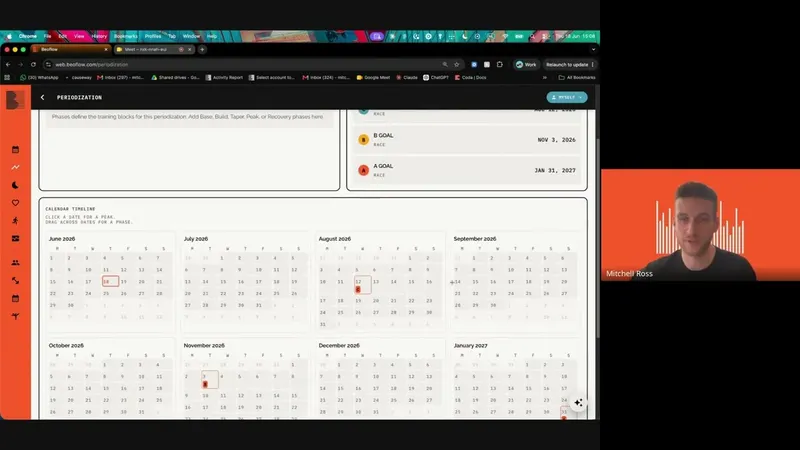
How to build a periodisation timeline
Key takeaways
- Define your own training phases on a timeline
- Add key events that anchor the plan around races, tests, or milestones
- Generate the periodisation and see phases mapped onto the athlete's calendar
-
 Lesson 5
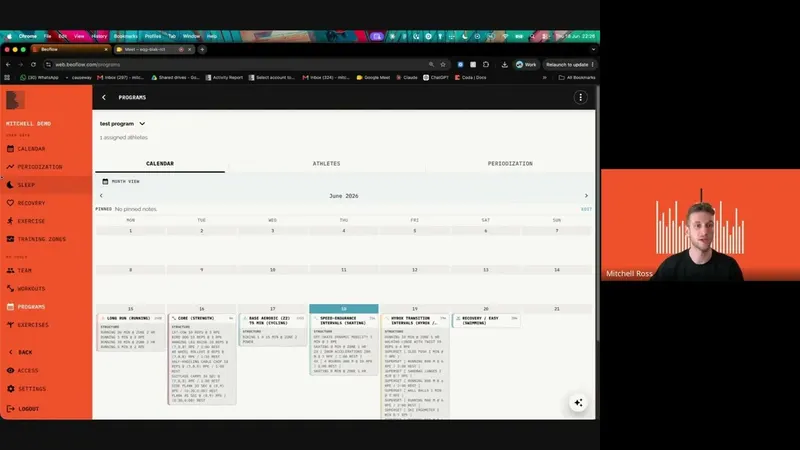
How to build a program
Key takeaways
- A training program that can be assigned to multiple athletes, all from one calendar. Any workouts cascade to every assigned athlete
- A periodisation plan distributed to all athletes on the program
- Both coach and athlete can make changes per athlete without those edits going back up the pipeline